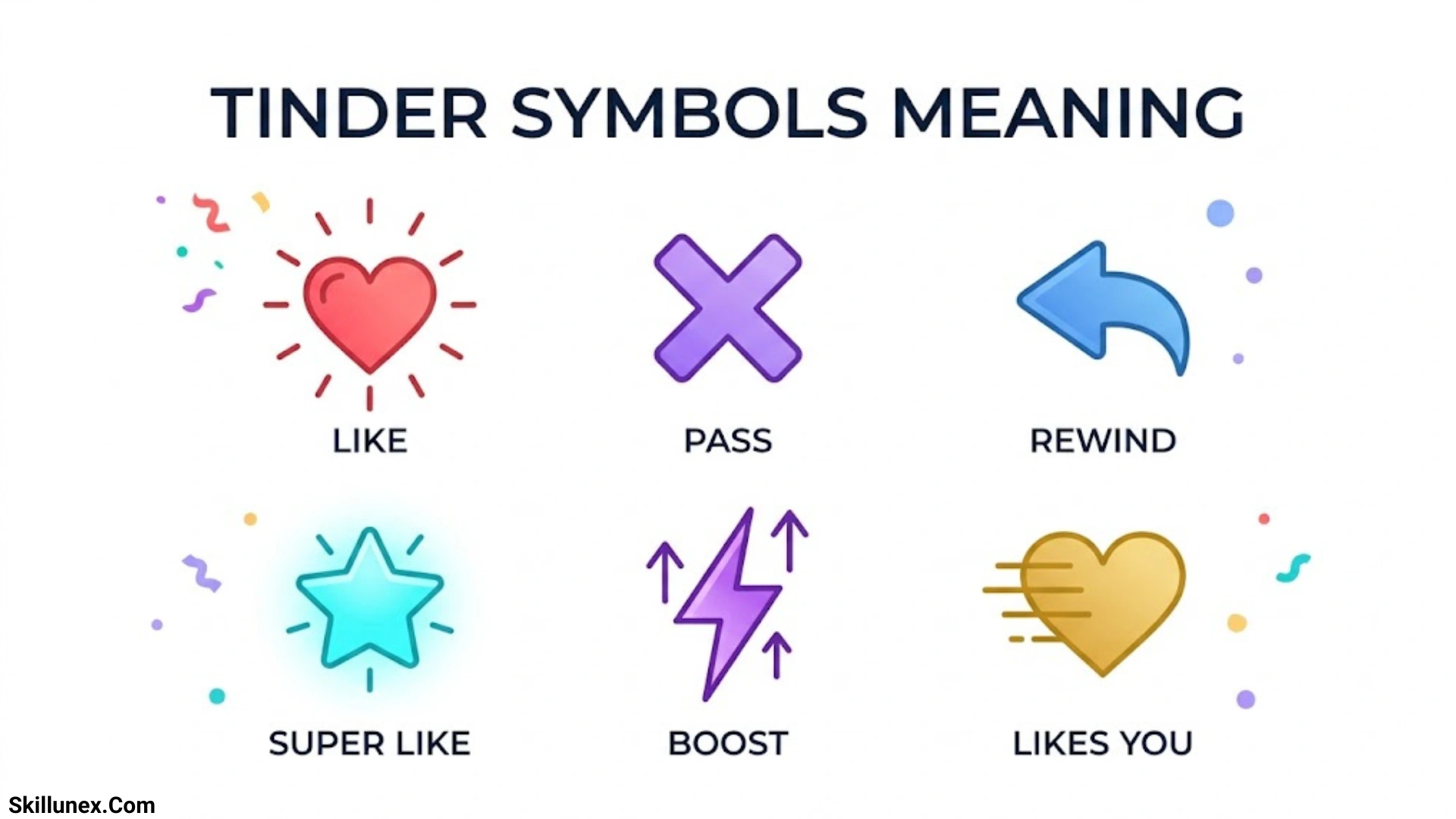
Understanding Tinder symbols can make your online dating experience much easier. If you use Tinder, you have probably noticed different icons, buttons, and colors on the app. Each symbol has a specific purpose, from liking someone’s profile to sending a Super Like or boosting your visibility. Knowing the Tinder symbols’ meaning helps you use the app with more confidence.
If you are new to Tinder, some icons may seem confusing at first. You might wonder what the blue star, purple lightning bolt, or gold heart means when you see it on your screen. By learning what each symbol represents, you can understand the app’s features and decide which actions are right for you.
In this guide, you will discover the meanings of the most common Tinder symbols, icons, and buttons in simple language. If you want to swipe smarter, understand profile features, or avoid accidental actions, this guide will help you navigate Tinder more easily and make the most of your dating experience.
What Do Tinder Symbols Mean?
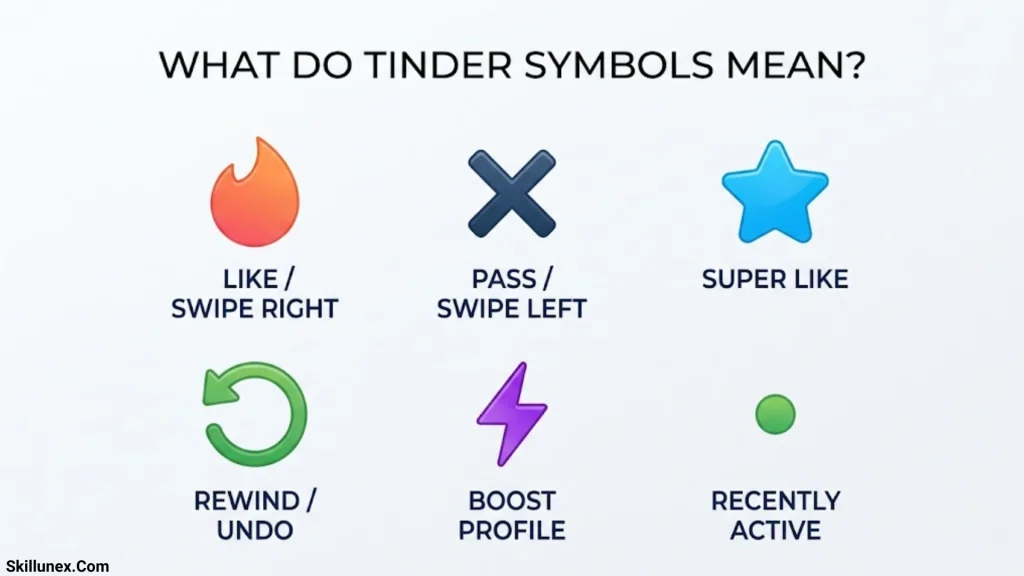
Tinder symbols are visual shortcuts that represent actions, profile information, navigation options, and dating features. Each icon helps you understand what you can do on a particular screen without reading lengthy instructions.
For example, the heart lets you express interest in someone’s profile, while the X allows you to pass. The blue star represents a Super Like, and the purple lightning bolt is associated with Boost.
Other icons help you find matches, manage conversations, check profile information, and access your account settings.
Quick Guide to Tinder Symbols and Their Meanings
The following table summarizes the most common Tinder symbols and their functions.
| Tinder Symbol | Meaning | What It Does |
| Red X | Nope or Pass | Passes on a profile |
| Green heart | Like | Shows interest in someone |
| Blue star | Super Like | Gives someone a stronger indication of interest |
| Yellow rewind arrow | Rewind | Undoes your most recent swipe or action, if available |
| Purple lightning bolt | Boost | Increases profile visibility for a limited time |
| Gold heart or Likes You icon | Likes You | Relates to viewing people who have liked your profile |
| Diamond | Top Picks | Identifies a curated profile-discovery feature, where available |
| Blue checkmark | Photo verification badge | Indicates that a profile has completed Tinder’s applicable verification process |
| Green activity indicator | Recent activity | May indicate recent activity, depending on the feature and interface |
| Flame | Discovery | Commonly represents the main profile-swiping experience |
| Chat bubble | Messages | Opens conversations or messaging features |
| Video camera | Video calling | Opens a video communication feature, where supported |
| Person silhouette | Profile | Opens your account or personal profile |
| Gear | Settings | Opens account preferences and settings |
| Shield | Safety | Provides access to safety or reporting features in relevant screens |
| Globe or location-related icon | Location features | May relate to location preferences or Passport, depending on the interface |
Important: Color alone does not always determine an icon’s meaning. Look at the icon’s label, the screen where it appears, and any confirmation message before using an unfamiliar feature.
Main Tinder Symbols and Their Meanings
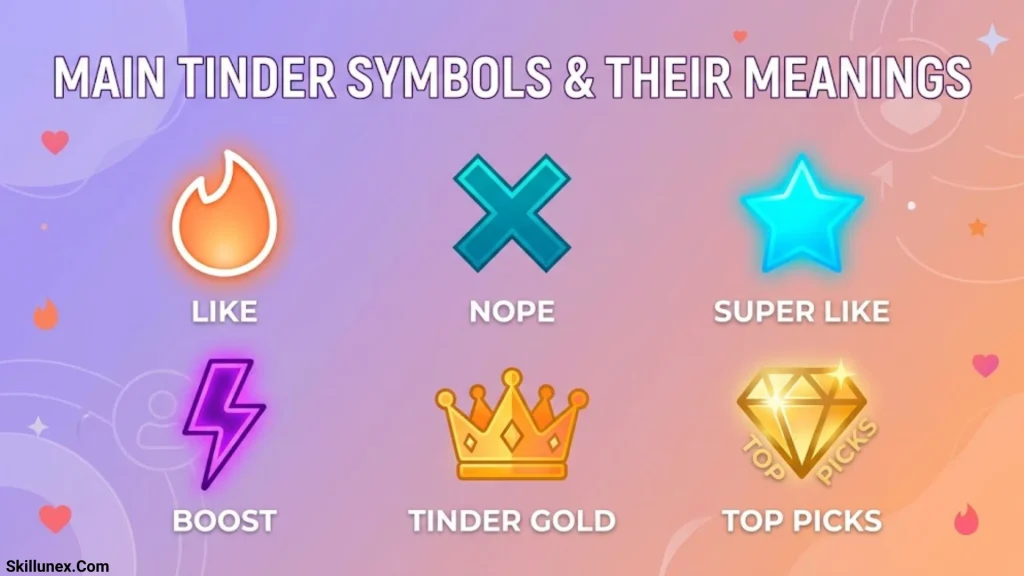
The most important Tinder symbols appear on the profile-swiping screen. Understanding these buttons helps you interact with other users and avoid accidental actions.
Red X Symbol on Tinder
The red X represents Nope or Pass. It allows you to indicate that you are not interested in a particular profile.
You can generally tap the X or swipe left to pass on someone. Tinder then moves you toward another profile in your discovery experience.
For example, if you view a profile that does not match your preferences, tapping the red X lets you move on without sending the person an explanation.
Passing on someone does not create a match. If you accidentally pass on a profile, an eligible Rewind feature may allow you to undo your most recent action.
Green Heart Symbol on Tinder
The green heart represents a Like. It communicates that you are interested in another person’s profile.
You can usually tap the heart or swipe right to Like someone. If that person has already Liked you, your action can create an immediate match.
For example, if you like someone’s photos, bio, and interests, you can tap the heart to express interest.
A Like does not automatically mean that you have matched. In Tinder’s standard matching system, both people must express interest before a match is created.
Blue Star Symbol on Tinder
The blue star represents a Super Like. This feature lets you communicate stronger interest in someone than you would with a regular Like.
When you Super Like a profile, Tinder prioritizes your profile for the person you selected, according to the feature’s current behavior. Your profile may appear with a noticeable Super Like indicator.
To use this feature, tap the blue star while viewing an eligible profile. Depending on your subscription and available offers, Super Likes may be included with your plan or available to purchase.
A Super Like does not guarantee a match. The other person can still decide whether to Like or pass on your profile.
Yellow Rewind Arrow Symbol on Tinder
The yellow rewind arrow represents Rewind, a feature that lets eligible users undo their most recent action.
Imagine that you accidentally swipe left on someone you wanted to Like. Rewind may allow you to return to that profile and reconsider your decision.
Tinder’s official help information states that subscribers can Rewind their last Like, Nope, or Super Like, although availability can vary by market and account.
Rewind generally applies to your most recent action rather than allowing you to browse an unlimited history of previous swipes.
Purple Lightning Bolt Symbol on Tinder
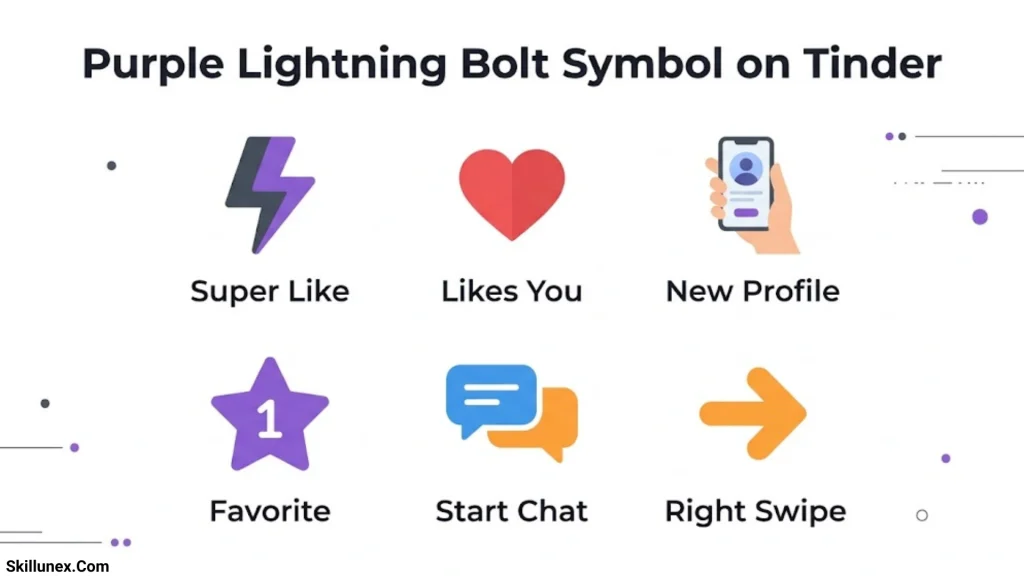
The purple lightning bolt is associated with Boost, a feature that temporarily increases your profile’s visibility.
When you activate Boost, Tinder promotes your profile within its discovery experience for a limited period. This may help more potential matches see your profile.
Tinder’s published subscription information describes certain Boost benefits as lasting 30 minutes, although availability and offers may vary.
Boost is different from Super Like. Boost focuses on increasing the visibility of your own profile, whereas Super Like communicates additional interest in another person.
Neither feature guarantees matches or replies.
Gold Heart Symbol on Tinder
A gold heart or similarly styled Likes You icon is commonly associated with Tinder’s Likes You feature.
This feature allows eligible subscribers to see people who have already Liked their profiles. It can help users discover potential matches without waiting to encounter those profiles through regular swiping.
Access to the complete Likes You list generally depends on your subscription and the current Tinder interface.
Do not assume that every gold-colored heart has exactly the same function. Check the accompanying label to determine whether it opens Likes You or another feature.
Green Heart Versus Gold Heart on Tinder
The green heart and gold heart can be confusing because both are associated with liking and interest.
The green heart is commonly the regular Like button on the profile-swiping screen. It lets you express interest in someone.
The gold heart is commonly associated with Likes You or subscription-related features that help you view incoming Likes.
The difference is simple: one is generally used to Like another profile, while the other relates to discovering people who have Liked you.
Green Dot or Activity Indicator on Tinder
A green dot or similar activity indicator may be used to communicate recent activity, depending on the version of Tinder and the feature involved.
However, you should not automatically assume that a green dot means someone is online at that exact moment. Activity indicators may refer to recent use rather than continuous, real-time availability.
The icon’s meaning also depends on where it appears. If Tinder displays a label explaining the indicator, use that explanation rather than relying on its color alone.
Blue Checkmark or Verification Badge on Tinder
A blue checkmark is associated with Tinder’s profile verification features.
Depending on the current verification process, the badge indicates that the profile has completed the relevant verification steps. This can provide an additional signal when evaluating a profile.
However, a verification badge is not a guarantee of someone’s character, intentions, or overall safety. You should still exercise caution when communicating with people you have not met in person.
If verification options appear in your own profile settings, follow Tinder’s instructions to complete the process.
Diamond Symbol on Tinder
The diamond symbol is commonly associated with Top Picks, a feature that presents selected profiles based on Tinder’s discovery system.
Top Picks can help users explore profiles that the app highlights for them. The feature’s availability, layout, and access conditions may differ between accounts.
A diamond does not mean that a person is verified or that Tinder guarantees you will be compatible.
Treat Top Picks as a discovery feature rather than a promise of relationship success.
Tinder Navigation Symbols and Icons
In addition to the main swiping buttons, Tinder uses navigation icons to help you move between different parts of the app.
Flame Symbol on Tinder
The flame is closely associated with Tinder’s branding and commonly represents its main discovery or swiping experience.
If you see a flame-shaped navigation icon, it may take you back to the area where you browse profiles and decide whether to Like or pass.
The precise placement of this icon can vary between app versions.
Chat Bubble Symbol on Tinder
The chat bubble represents messages or conversations.
After you match with someone, you can generally open the messaging area to send and receive text messages. Your existing matches and conversations may be grouped together in this section.
A chat bubble does not necessarily mean that you have received a new message. Look for a notification, unread indicator, or other label to determine whether there is new activity.
Two Speech Bubbles Symbol on Tinder
Two overlapping speech bubbles may represent matches, messages, or the conversation area.
The exact meaning depends on the interface. In some layouts, the icon takes you to your conversations; in others, it may be part of a messaging or social feature.
If you are trying to find an existing match, open the section labeled Messages, Chats, or Matches when that label is available.
Profile Picture or Person Silhouette Symbol on Tinder
The profile icon opens your personal account or profile management area.
You can typically use this section to edit your photos, update your bio, review account details, and access settings or subscription information.
Keeping your profile accurate and complete can help other users understand your personality and interests.
Gear Symbol on Tinder
The gear represents Settings.
Depending on your account and app version, you may find options for discovery preferences, notifications, privacy, subscriptions, and account management.
For example, you may be able to adjust your preferred age range or distance settings. The available controls can vary by region and subscription.
Always review the details before changing a setting that affects your visibility or account.
Globe or Location Symbol on Tinder
A globe or location-related icon may be associated with location preferences or Tinder’s Passport feature.
Passport allows eligible users to explore profiles in another location instead of limiting discovery to their current area.
For example, someone planning a trip may use Passport to explore potential connections in their destination before arriving.
The icon and the steps for accessing this feature can change. Check the label in your app to confirm whether it relates to Passport or another location option.
Bell or Notification Symbol on Tinder
A bell icon, where present, commonly represents notifications or recent activity.
It may help you review alerts about matches, Likes, messages, or other account activity.
Not every Tinder version uses a separate bell icon, and some notifications may appear elsewhere in the app or through your phone’s notification system.
Tinder Profile Symbols and Badges Explained
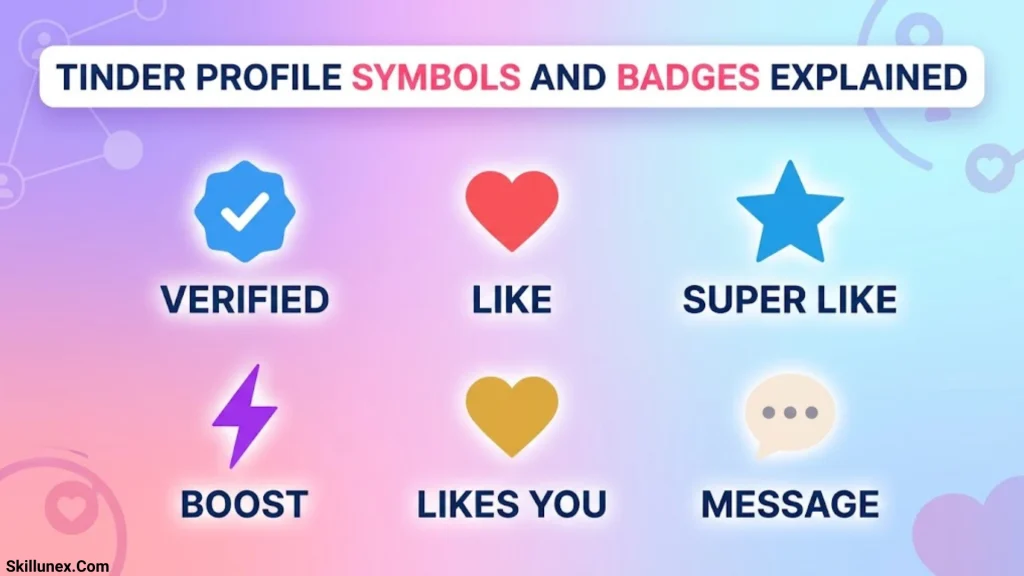
Some Tinder symbols provide information about a profile rather than allowing you to perform an action.
Photo Verification Symbol
A photo verification badge indicates that the profile has completed the applicable verification process.
It can help users assess profile information, but it should not be treated as absolute proof that every detail is accurate.
Always consider the wider context of a profile and use sensible precautions when meeting someone new.
Interest Tags and Profile Labels
Tinder profiles may include interest tags, identity-related information, or other profile labels.
These are not necessarily buttons. Instead, they provide additional information about the person, their preferences, or their interests.
For example, a profile might list music, travel, fitness, or cooking as interests. These details can help you find conversation topics when you match.
The labels shown depend on the information the user has added and the features available in their region.
Top Picks Labels
Top Picks labels identify profiles featured within Tinder’s selected-profile discovery experience.
These recommendations may help you explore profiles that Tinder highlights, but they do not guarantee compatibility or mutual interest.
If a Top Picks feature displays a subscription prompt, check the details before purchasing access.
What Do Tinder Symbols Mean in Chats?
Tinder’s messaging interface may include icons for communication, account management, and safety.
Video Camera Symbol on Tinder
A video camera icon may open a video-calling feature where available.
This can provide a way to communicate face-to-face through the app before deciding whether to meet in person.
Availability and requirements may vary. If the icon is not visible in your conversation, the feature may not be available for your account or in that particular context.
Three Dots Symbol on Tinder
Three dots usually indicate a menu containing additional options.
Depending on where you see the icon, the menu may provide access to profile actions, conversation controls, or reporting options.
Read the available choices carefully before selecting one. Some actions, such as unmatching or reporting a profile, can affect your interaction with another user.
Shield Symbol on Tinder
A shield is commonly associated with safety-related information or controls when it appears in a relevant part of the app.
Depending on the screen, it may help you find safety resources, report inappropriate behavior, or access other protective features.
If a user sends threatening messages, requests money, or makes you uncomfortable, consider blocking or reporting the account through the available controls.
Unmatch or Report Options
Unmatch and Report are actions that may appear inside a conversation or profile menu.
Unmatch ends your match with another user, which generally removes the conversation from your normal match list.
Report allows you to alert Tinder to behavior that may violate its rules.
These are different actions. Unmatching is used to end a connection, while reporting is intended to notify Tinder about a concern.
What Do Tinder Symbols Mean for Matches and Likes?
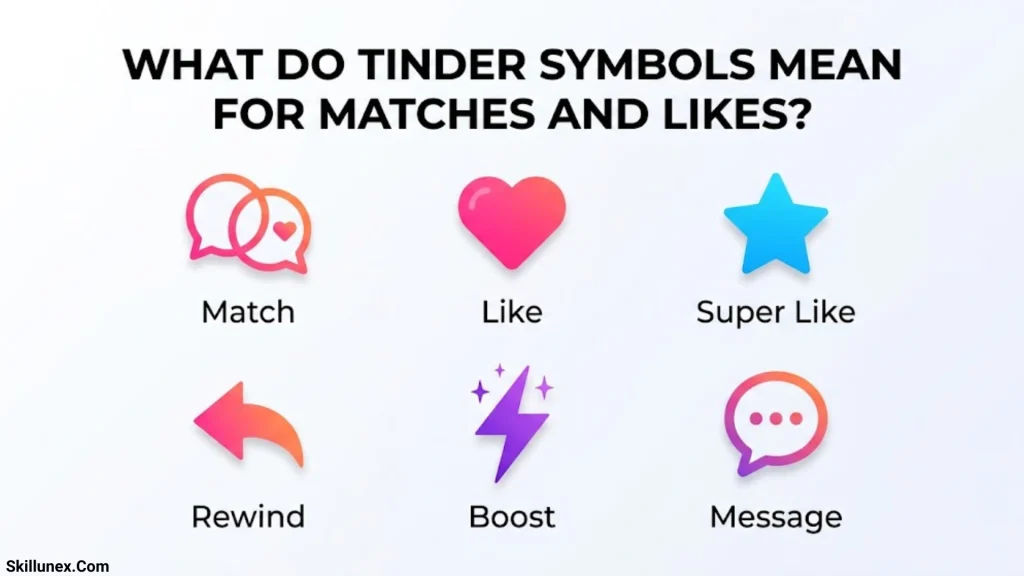
Understanding the difference between Likes, Super Likes, and matches can help you interpret Tinder notifications correctly.
What Happens When You Like Someone?
When you Like a profile, you indicate interest. The other person may or may not Like you back.
If they also Like your profile, Tinder can create a match. You can then generally start a conversation through the messaging feature.
A Like by itself does not mean that the other person has seen your profile or agreed to communicate.
What Happens When You Send a Super Like?
A Super Like communicates additional interest and gives your profile a more noticeable indication when it is presented to the recipient.
The other person still has a choice. If they Like you back, a match can be created.
A Super Like does not automatically send a personal message or guarantee a response.
What Does It Mean When Someone Likes You?
If Tinder indicates that someone has Liked you, it means that person has expressed interest in your profile.
Depending on your subscription, you may be able to see the person’s profile through Likes You or encounter it while swiping.
A Like does not necessarily mean that the person is currently online, has read your messages, or wants a particular type of relationship.
Which Tinder Symbols Are Paid Features?
Some Tinder symbols are linked to features that may require a subscription or separate purchase.
| Symbol or Feature | Common Purpose | Availability |
| Rewind | Undo your most recent action | Subscription or other account-specific access may be required |
| Boost | Increase profile visibility temporarily | Depends on plan or available purchase options |
| Super Like | Express stronger interest | Depends on included benefits and available purchase options |
| Likes You | View people who have Liked you | Generally associated with eligible paid access |
| Top Picks | Browse selected profiles | Availability and access may vary |
| Passport | Explore profiles in another location | Commonly included with eligible subscriptions |
Tinder offers subscription plans such as Plus, Gold, and Platinum, but their exact benefits and prices can change. Some features may also be tested or offered differently across regions.
Before purchasing a feature, review the price, billing period, renewal terms, and included benefits shown in your app.
How to Understand an Unfamiliar Tinder Symbol
If you see an icon that is not explained in this guide, use these steps to identify it safely.
Check the Screen Where It Appears
An icon on the profile-swiping screen may have a different purpose from a similar icon in a conversation or settings menu.
Start by identifying the part of Tinder where you see the symbol.
Look for a Label or Description
Some icons have a text label, tooltip, or short explanation. This is generally more reliable than guessing based on color or shape.
Avoid Confirming Purchases Accidentally
If tapping an icon opens a payment screen, review the price and subscription details before proceeding. You do not need to purchase a feature simply to understand its purpose.
Check Tinder’s Official Help Center
If the symbol remains unclear, visit the official Tinder Help Center and search for the feature’s name or description.
This is especially useful for recently introduced features or symbols that differ from older guides.
Tips for Using Tinder Symbols Correctly
You can navigate Tinder more confidently by following a few practical tips.
- Learn the main buttons first: Remember that X means Pass, the heart means Like, the blue star means Super Like, and the lightning bolt is associated with Boost.
- Use Rewind when available: If you accidentally swipe the wrong way, check whether you can undo your most recent action.
- Understand premium features: Confirm which functions are included in your subscription before paying for extras.
- Do not confuse visibility with compatibility: Boost may increase exposure, but it cannot guarantee a match.
- Interpret badges carefully: Verification and activity indicators provide limited information, not complete proof of identity or intentions.
- Protect your personal information: Avoid sharing passwords, financial details, or sensitive information with people you have just met.
- Use safety tools when necessary: Block or report accounts that behave inappropriately.
Frequently Asked Questions About Tinder Symbols Meaning
What does the heart symbol mean on Tinder?
The heart symbol generally represents Like. Tapping it or swiping right indicates that you are interested in someone’s profile. A match can occur when both users Like each other.
What does the blue star mean on Tinder?
The blue star represents Super Like. It communicates additional interest and makes your Like more noticeable to the recipient. It does not guarantee a match.
What does the purple lightning bolt mean on Tinder?
The purple lightning bolt is associated with Boost, which temporarily increases your profile’s visibility. The duration and availability depend on the current feature and offer.
What does the yellow arrow mean on Tinder?
The yellow rewind arrow represents Rewind. It lets eligible users undo their most recent swipe or action, subject to the feature’s current availability.
What does the red X mean on Tinder?
The red X means Nope or Pass. It allows you to indicate that you are not interested in a profile.
What does the gold heart mean on Tinder?
The gold heart is commonly associated with Likes You or related subscription features. Check the label in your app to confirm its exact function.
What does the blue checkmark mean on Tinder?
A blue checkmark is associated with profile verification. It indicates that the profile has completed the applicable verification process, but it does not guarantee a person’s intentions or overall safety.
What does the green dot mean on Tinder?
A green dot or similar indicator may relate to recent activity. Its exact meaning depends on the feature and interface, so it should not automatically be interpreted as proof that someone is online right now.
What does the diamond symbol mean on Tinder?
The diamond is commonly associated with Top Picks, a feature that highlights selected profiles. It does not guarantee compatibility or indicate that the person is verified.
What does the flame symbol mean on Tinder?
The flame commonly represents Tinder’s main discovery experience, where users browse profiles and decide whether to Like or pass.
Can I undo a swipe on Tinder?
Yes, if Rewind is available to your account. Tinder’s help information explains that eligible subscribers can undo their last Like, Nope, or Super Like. Availability may vary.
Can I see who Liked me on Tinder?
Tinder’s Likes You feature allows eligible subscribers to see people who have Liked them. The access conditions depend on your current subscription and app interface.
Do Tinder symbols have the same meaning on Android and iPhone?
The main symbols generally serve similar purposes, but their appearance, placement, and availability can vary between Android, iPhone, and Tinder’s web version.
Do Tinder symbols change over time?
Yes. Tinder updates its interface and features periodically. Some icons may be redesigned, moved, or made available to different groups of users.
Conclusion
Understanding Tinder symbols helps you navigate the app with confidence and make better decisions while swiping. From the green heart and blue star to the purple lightning bolt, each icon has a specific purpose. When you know what these symbols mean, you can use Tinder’s features more easily and enjoy a smoother dating experience.
If you are new to Tinder or an experienced user, learning these icons can help you avoid confusion and make the most of the app. Take a moment to explore each feature, and you will find it easier to connect with people and enjoy your Tinder experience.

Caleb Thornton
I’m Caleb Thornton, a researcher and content writer who loves exploring fascinating subjects and sharing what I learn with readers. My interests include natural places, lakes, symbols, culture, history, and the stories that make ordinary topics more meaningful.
When I write an article, I try to go beyond a basic answer. I look for useful facts, relevant context, and details that can help readers understand the subject more completely.
My purpose is simple: I want every article I contribute to provide genuine value, satisfy the reader’s curiosity, and make discovering new information enjoyable.
## Books by Caleb Thornton
* Symbols & Meanings: Exploring the Signs We See Every Day
* Lakes of the World: Nature, Beauty & Exploration