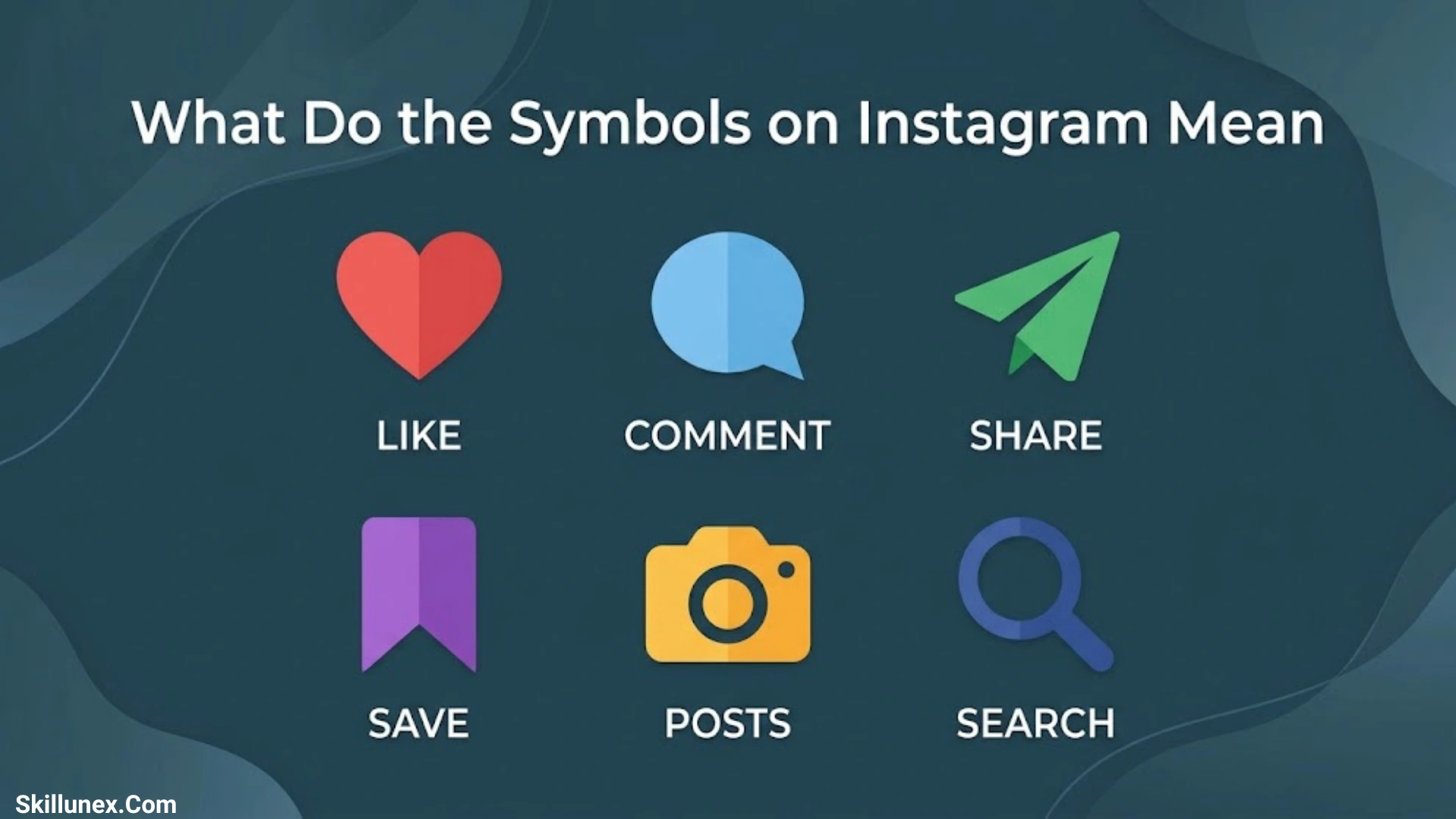
Instagram uses different symbols and icons to help you navigate the app, share content, and communicate with others. If you have ever wondered what the symbols on Instagram mean, you are not alone. From the heart and paper airplane to the bookmark and arrows, each icon has a specific purpose that makes your Instagram experience easier.
If you are browsing your feed, watching Stories and Reels, or chatting with friends, understanding these symbols can help you use Instagram more confidently. Some icons let you like, comment on, or share posts, while others help you manage messages, discover content, and control your account settings. Learning their meanings can save you time and prevent confusion.
In this guide, you will discover what the most common Instagram symbols mean and how they work across different parts of the app. From profile icons and Story symbols to Direct Message and Reel icons, you will find simple explanations to help you understand each feature and make the most of Instagram.
What Do the Symbols on Instagram Mean
Instagram symbols represent different actions and features within the app. Some let you like, comment on, share, or save content, while others help you create posts, manage messages, and control your privacy settings.
Here are some common Instagram symbols and their meanings.
| Instagram Symbol | Meaning |
| ❤️ Heart | Like a post, Reel, or message |
| 💬 Speech Bubble | Open or view comments |
| ➤ Paper Airplane | Share content or send a message |
| 🔖 Bookmark | Save a post or Reel |
| 🔍 Magnifying Glass | Search for people, posts, and topics |
| 🏠 Home | Open your Instagram feed |
| ➕ Plus Sign | Create a post, Story, Reel, or other content |
| 🔄 Circular Arrows | Indicates a repost or another available repeat-related action, depending on context |
| 👤 Person Icon | Access your profile or account-related features |
| ⋯ Three Dots | Open additional options |
| ✓ Checkmark | Indicates confirmation or status in certain contexts |
| 🔔 Bell | Access or manage notifications, where available |
Instagram Symbols on Posts
Instagram displays several icons underneath or around posts. These symbols help you interact with photos, videos, and other shared content.
Heart Symbol on Instagram
The heart symbol represents the like feature. Tap it to show appreciation for someone’s post or Reel. When you like content, the heart usually turns red.
You can also double-tap a photo or video to like it. If you tap the heart again, you remove your like.
Comment Bubble Symbol
The speech bubble opens the comments section. You can use it to read what other people have said or write your own comment.
Depending on the post and its settings, you may also be able to reply to comments, mention another user, or react to a comment.
Paper Airplane Symbol
The paper airplane represents sharing. Tap it to send a post or Reel to someone through Instagram Direct Messages.
You may also see options for sharing content to your Story or through other available sharing methods. The options depend on the content and its privacy settings.
Bookmark Symbol on Instagram
The bookmark icon lets you save a post or Reel privately so you can find it later.
Your saved posts are available through your profile menu. Other users generally cannot see your saved collection, although the original creator may see aggregate engagement information.
Three Dots Symbol
The three dots open a menu of additional actions. Depending on the content, you may find options to copy a link, report a post, unfollow an account, hide content, or manage other settings.
The available options vary by post and account.
Instagram Story Symbols and Their Meanings
Instagram Stories let you share photos, videos, text, and other content that normally disappears after 24 hours. Several symbols help you view, create, and manage Stories.
Camera Symbol
The camera icon opens the Story camera or a camera-based creation feature. You can take a picture, record a video, or choose media from your device.
Your Story Profile Ring
A colored ring around someone’s profile picture generally means they have an active Story you haven’t viewed yet. Tap their profile picture to watch it.
The ring’s appearance can vary depending on the Story type and Instagram’s current design.
Close Friends Green Ring
A green ring around a profile picture indicates a Close Friends Story shared with a selected audience. If you see this ring, the person has included you in their Close Friends audience for that Story.
Music Note Symbol
The music note represents music or audio features. In Stories, you may see it when someone adds a song or uses music-related tools.
You can also find music and audio features when creating Reels.
Link Symbol
The link symbol may indicate a link sticker in a Story. When available, tapping the sticker opens the linked webpage or destination.
Eye or Viewer Information
Instagram may show viewer information for your own Stories. This helps you see which accounts viewed the content while the relevant viewer list is available.
Instagram does not generally provide a feature that lets you see exactly who visits your profile.
Instagram Reels Symbols Explained
Reels are short-form videos on Instagram. Their icons let you interact with videos, share them, and explore audio or other content.
Reels Play Symbol
A play triangle represents video playback. Tap it when a video is paused, or use the available controls to play or pause the content.
Repost Symbol
The repost symbol commonly looks like two curved arrows forming a loop. Where the feature is available, it allows you to repost eligible public content so it may be shared with your followers.
A repost is different from sending a Reel privately through a direct message.
Audio Symbol
The audio or music icon identifies the sound used in a Reel. Tap the audio information to explore the track or other videos that use the same sound, when available.
Remix Symbol
The Remix feature lets eligible users create a Reel alongside or in response to another Reel. The icon and available options may vary depending on the video and its settings.
Share Arrow
The share arrow opens options for sending a Reel to friends or sharing it through supported destinations.
Instagram Direct Message Symbols
Instagram Direct Messages, often called DMs, use icons to help you send messages, share media, and understand message activity.
Blue or Purple Message Bubble
Colored message bubbles can represent messages you’ve sent in a conversation. Their appearance depends on Instagram’s theme and interface.
The color alone does not reliably tell you whether someone likes you, is online, or has read your message.
Seen or Read Status
When Instagram displays “Seen” beneath a message, it generally means the recipient has viewed it. Read receipts and their availability can vary with account settings and conversation features.
Microphone Symbol
The microphone lets you record a voice message. Press or hold the relevant control, depending on the interface, to record and send audio.
Camera Symbol in DMs
The camera icon lets you take or share photos and videos in a conversation. Some camera messages may have additional viewing or replay options.
Vanish Mode Symbol
Vanish Mode is a messaging feature that can make eligible messages disappear after they have been viewed and the chat is closed, depending on the feature’s behavior and settings.
Its availability and activation method may vary. Always be careful when sending sensitive information, because disappearing messages do not guarantee that content cannot be captured or preserved.
Green Active Status Dot
A green dot may indicate that someone is active or recently active, depending on the interface. This information is not always available, and users can manage their activity status in settings.
Instagram Profile Symbols
Your Instagram profile includes icons for navigating your account, editing your information, and accessing additional features.
Plus Symbol
The plus sign usually opens the content creation menu. Depending on your app version, it may let you create a post, Story, Reel, or other supported content.
Three Horizontal Lines
The three horizontal lines, often called the hamburger menu, open your profile menu. From there, you can access settings, account tools, saved content, activity information, and other options.
Person Icon
The person icon generally represents your profile or account-related features. On a profile page, it may also be used in areas related to tagged posts or account information.
Grid Symbol
The grid icon represents the main post grid on your profile. It displays your published photos and videos in a grid layout.
Reels Tab Symbol
The Reels tab displays Reels associated with your profile. The icon often resembles a video or clapperboard-style symbol, although its appearance may change.
Tagged Photos Symbol
The tagged-person icon or related tab displays posts in which other accounts have tagged you, subject to your settings and Instagram’s interface.
Instagram Search and Navigation Symbols
Instagram uses navigation icons to help you discover content and move between different areas of the app.
- Home icon: Takes you to your main feed.
- Magnifying glass: Opens Search and Explore, where you can discover accounts, hashtags, photos, videos, and topics.
- Reels icon: Opens the Reels viewing experience.
- Messages icon: Opens your direct messages.
- Profile picture: Opens your profile.
- Bell icon: May open notifications or notification settings, depending on where it appears.
- Location pin: Represents a location or place associated with content.
- Hashtag symbol (#): Identifies hashtags that categorize posts and help people discover related content.
The placement of these icons can differ between iPhone, Android, and Instagram’s web version.
What Do the Symbols Next to Instagram Names Mean
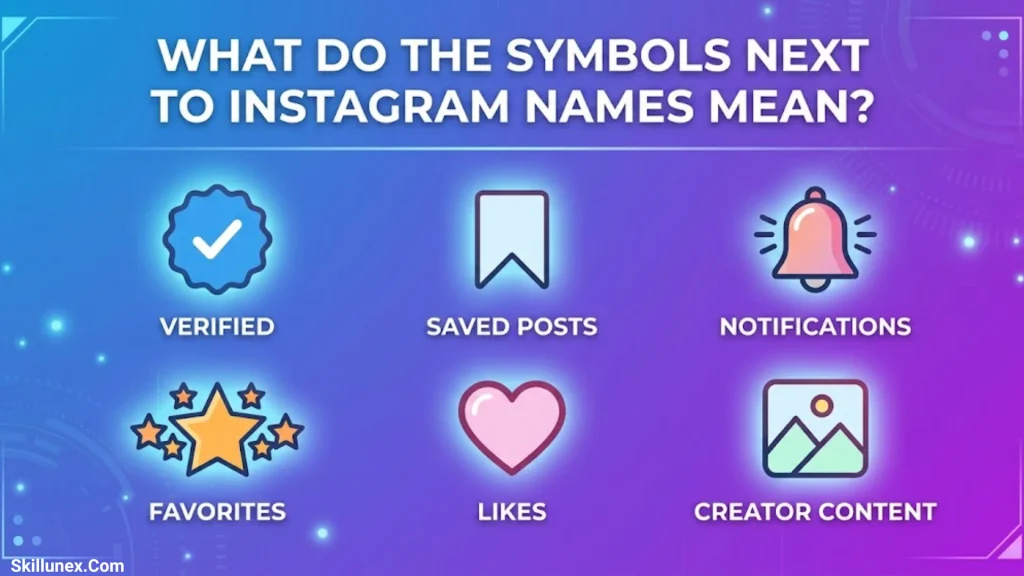
Some symbols appear beside usernames, in profile headers, or next to account information. Their meanings depend on the exact icon.
Blue Verification Badge
A blue verification badge indicates that Instagram has verified an account under its applicable verification system. The requirements and verification options can vary by account and subscription eligibility.
It should not automatically be interpreted as proof that everything the account posts is accurate.
Private Account Lock
A lock symbol or privacy notice may indicate that an account or its content is private. On Instagram, private accounts restrict who can see their posts and Stories to approved followers, subject to the platform’s rules.
Notification Bell
The bell on a profile may let you manage notifications for that account’s posts, Stories, Reels, or live videos. The available notification options depend on the account and Instagram’s current features.
Mutual Followers
Instagram may display text or small profile pictures indicating mutual followers. This helps you identify people you and another account have in common.
Instagram Comment Symbols
The comment section contains several symbols that make conversations easier to manage.
- Heart: Like a comment.
- Reply: Respond directly to a comment.
- Mention symbol (@): Tag or refer to another Instagram username.
- Three dots: Open additional comment or post options, where available.
- Emoji symbol: Add an emoji to your comment or response.
- Pinned comment indicator: May identify a comment the creator has pinned to the top of the discussion.
Some controls appear only when you own the post, have the required permissions, or use a supported version of Instagram.
What Do the Arrows on Instagram Mean
Arrows can represent several different features, so their meaning depends on where you see them.
- Paper airplane or angled arrow: Share a post, Reel, or message.
- Two curved arrows: Often indicate reposting or a related content-sharing action.
- Circular arrow: May represent replaying, refreshing, or repeating an action.
- Back arrow: Return to the previous screen or conversation.
- Down arrow: Open a menu, expand options, or download content when that feature is available.
- Right arrow: Move forward, open content, or send something to another destination.
Don’t assume that every arrow means the same thing. Check its location and the label that appears when you tap it.
What Do the Symbols on Instagram Mean in the Following List
Instagram’s Following and Followers lists may include buttons and labels that help you manage connections.
- Following: You currently follow that account.
- Follow: You do not currently follow that account, or Instagram is offering you the option to follow it.
- Requested: Your follow request is waiting for approval, usually because the account is private.
- Message: Opens a direct conversation if messaging is available.
- Remove: May let you remove a follower from your own followers list.
- Mutual followers: Shows accounts that you and the other person both follow or have in common.
The exact labels and actions can vary according to account privacy, restrictions, and Instagram’s current interface.
Why Do Some Instagram Symbols Look Different
Instagram regularly updates its design, and not every user sees exactly the same icons.
Here are some common reasons:
- App updates: Instagram may change the appearance or location of an icon.
- Different devices: Android, iPhone, and desktop interfaces can look different.
- Account features: Some accounts have access to features that others do not.
- Privacy settings: Certain actions may be unavailable for private accounts or restricted content.
- Regional availability: Some features may be released gradually or vary by region.
- Testing: Instagram may test different layouts with different groups of users.
If you can’t find a symbol shown in a guide, update your app and check the feature’s current location. You can also look for a text label or tooltip that explains its function.
Frequently Asked Questions
What Is the Most Common Symbol on Instagram
The heart is one of Instagram’s most recognizable symbols. It lets you like posts, Reels, and certain messages or other content.
What Does the Paper Airplane Mean on Instagram
The paper airplane usually represents sharing. You can use it to send posts and Reels to other people through direct messages or access other sharing options.
What Does the Bookmark Symbol Mean on Instagram
The bookmark saves a post or Reel to your saved content so you can return to it later. Saving content is generally private to your account.
What Does the Green Circle Around an Instagram Story Mean
A green ring generally means the person shared a Story with their Close Friends audience. Seeing the ring indicates that you’re included in the audience for that story.
Can You Tell Who Views Your Instagram Profile
No. Instagram does not generally show a list of everyone who visits your profile. Some features, such as Stories, do show viewer information for the content you share.
What Does the Blue Checkmark Mean on Instagram
The blue checkmark indicates that an account has a verification badge under Instagram’s verification system. It does not guarantee that the account’s content is trustworthy or correct.
What Does the Two-Arrows Symbol Mean on Instagram
The two-arrows symbol often represents reposting. However, the exact meaning depends on where it appears and which feature Instagram has assigned to it.
Conclusion
Understanding what the symbols on Instagram mean helps you use the app with more confidence. From liking posts and saving Reels to managing Stories and sending direct messages, each icon has a purpose. Once you recognize the most common symbols, navigating Instagram becomes easier.
Remember that Instagram can update its icons and features at any time. If you see an unfamiliar symbol, check where it appears and what options are available when you tap it. That will help you identify its meaning more accurately.
